Finally the new version of Home center has arrived with many new features and improvements!
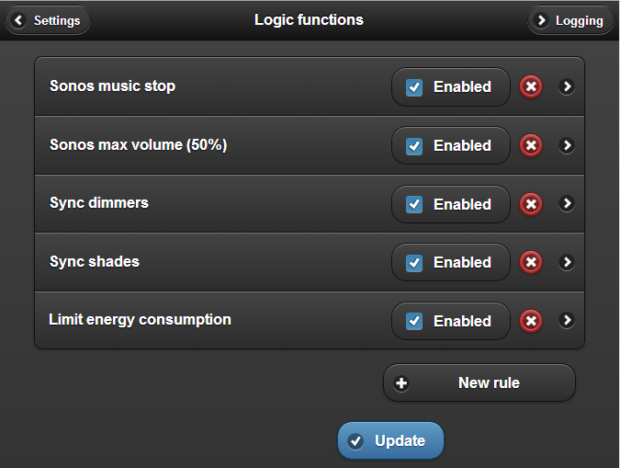
New Logic interface (VMBHIS only)
 A new interface is now available in the VMBHIS to create your own logic actions. You can create extra macro functions, extend existing macro functions and create your own logic functions. This all happens outside the programmation in the Velbus modules. Also you can work cross interface: for instance also turn off all your Sonos devices with your ‘Turn all off’ button at the front door. Read more.
Sonos
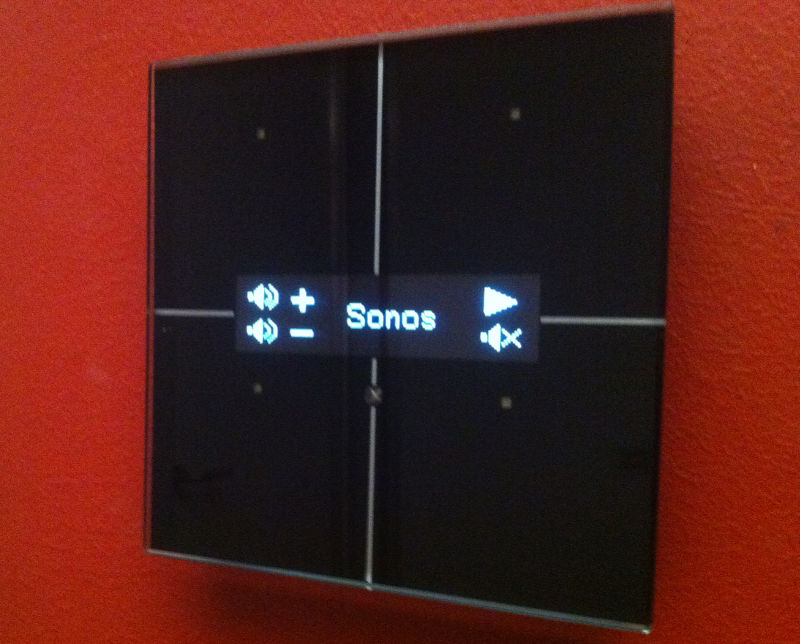
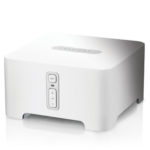 Better detection of Sonos devices in the network: when a Sonos is shutdown and later turned back on, the Sonos device will also be immediately ready to be operated in Home center. Sonos Bridge is no longer added to list. Improved stability.
Velbus
 Velbus input modules can now also be added to the Home center interface.
Newly supported Velbus module VMBGPOD (Soon available). Support for the VMB7IN new firmware.
Faster communication between VelbusLink and Velbus modules through Home center.
How to start using the input modules in Home center?
After performing the update (also Windows Home center client), execute ‘Read changes’ on the Windows Home center client. When editing the zones, the input modules will now be available.
Web interface
Future releases will be automatically displayed on login page with the status of your license. Improvements for displaying the background images. Some bugfixes.
IPhone / iPad
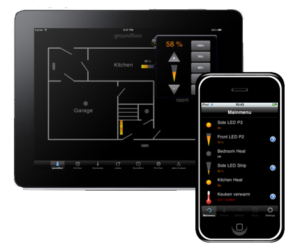 Make sure you install the latest version of the Home center app on your iOS device (v1.8.2 released June 23th 2014) . This update contains a bugfix to resolves some issues if you have a large set of components available (relevant because now inputs are added too).
How to update your VMBHIS
Log on to your VMBHIS web interface. Check if your license for updates hasn’t expired (VMBHIS > Settings > License info). Make sure the VMBHIS has access to the internet through your home network.
 On the settings page, click ‘Update software’. This will start the first update procedure. Wait a few minutes, then click ‘Update software’ again. This will complete the second step. After a few minutes the version of your VMBHIS will be 2.7.1.1.
 Make sure to install the new Windows Home center client on your PC and Windows Touch screens. The download link is on the Settings page of the VMBHIS.
License
Has your license expired (default this is after one year) then you need to renew your license to use the latest version of Home center. Price 124,95 euro (VAT incl.). Please contact us. Do you want to migrate from a regular license to the VMBHIS? Contact us so we can make you a personal offer.
| Customers with a license for Home center server on Windows, if you haven’t received a download link, please send us a mail so will can provide you the download link. |
Reminder
Get the latest VelbusLink to configure the bus through Home center! (pass through function).
Update all Windows Home center clients installed in your network to the new version. Connections from older clients will be dropped and will show an error on screen!
Update the Home center app for iPhone/iPad. Have fun!